

Your account, never a shared one
Each person signs in with their own account. Lucy acts as that person, with that person’s access, and the audit log says so.
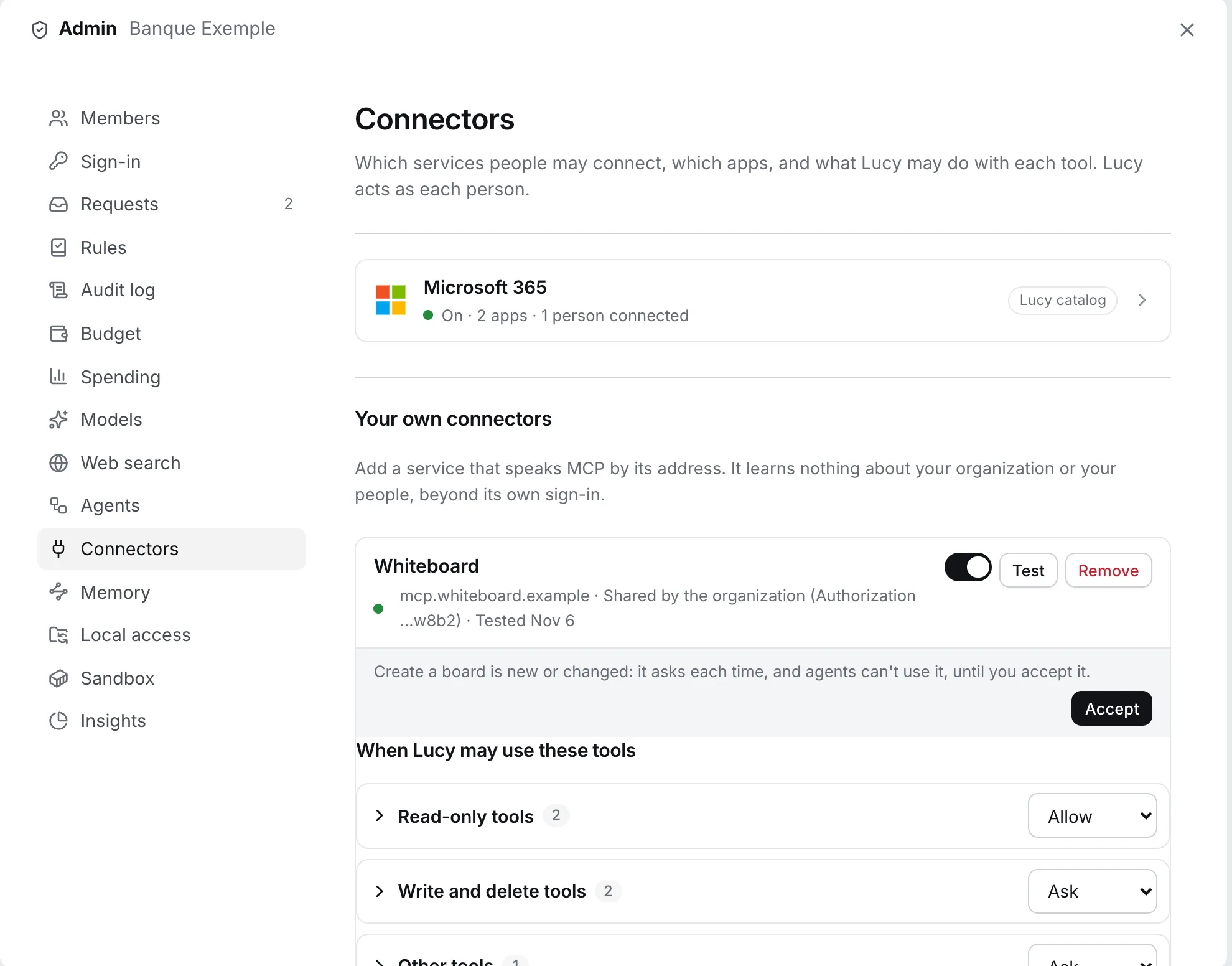
A connector gives Lucy a defined set of tools in another service. Lucy does not get a back door. It gets the same access you would give a colleague who acts on your behalf, no more.
| I want Lucy to… | Use |
|---|---|
| Read my mail, draft replies, book meetings | Microsoft 365 or Google Workspace |
| Work with files in OneDrive, SharePoint or Drive | The same connectors, the Files app |
| Query or act in our own systems | Your own MCP server |
| Work with folders on my computer | Desktop app and local files |
| Bring in current information from the web | Web search |
Your account, never a shared one
Each person signs in with their own account. Lucy acts as that person, with that person’s access, and the audit log says so.
Tokens stay in a vault
Access tokens are sealed in Lucy’s database with a key that is not in the database, never returned by any API, and never shown to the model, the worker or a sandbox.
Nothing reaches other people unasked
Sending mail or booking a meeting shows an approval card with the full content first. Nothing leaves until you click Allow once.
Admins can switch off, instantly
Turning an app off stops Lucy using it for everyone at once, without anyone connecting again.
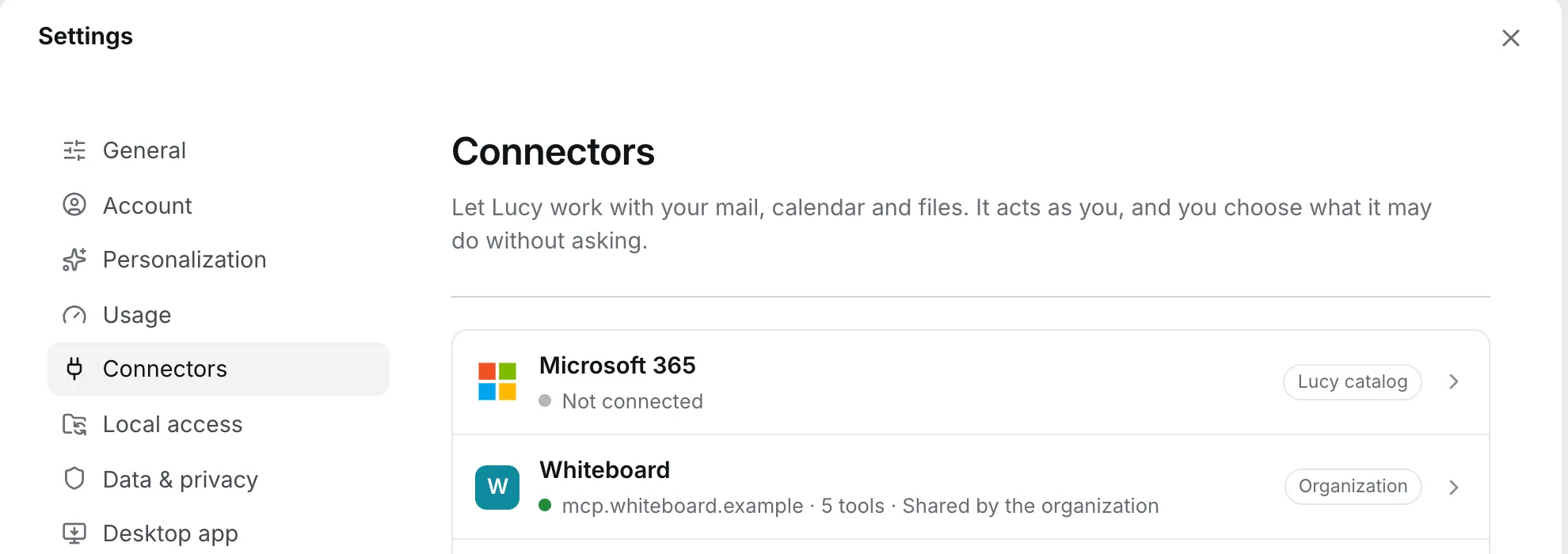
A connector is switched on by an admin, then each person connects their own account from Settings → Connectors.
Every tool is set to one of:
| Level | What happens | Typical use |
|---|---|---|
allow |
Lucy uses the tool without asking | Reading, searching |
ask |
A card appears in the chat before each call | Anything that writes, sends or reaches other people |
deny |
The tool is hidden from the model entirely | Anything you never want |
Who sets what. Admins set the level for everyone. A person can make a tool stricter for themselves and never looser. What Lucy does is the stricter of the two.
Sensible defaults. If an admin has not chosen, read-only tools are allow, and tools that write, delete or reach other people
are ask. Defaults come from the tool’s declared behaviour, so a new tool is never silently trusted.
Two organisation settings control how open the catalog is. Both are off by default (fully managed):
| Setting | Off (default) | On |
|---|---|---|
| Open catalog | People connect only connectors an admin turned on | People may also connect other curated connectors, with all their apps |
| Member servers | Only admins add MCP servers | People may add their own MCP servers, for themselves only |
A connector an admin has explicitly turned off stays off for everyone, even with the open catalog on.